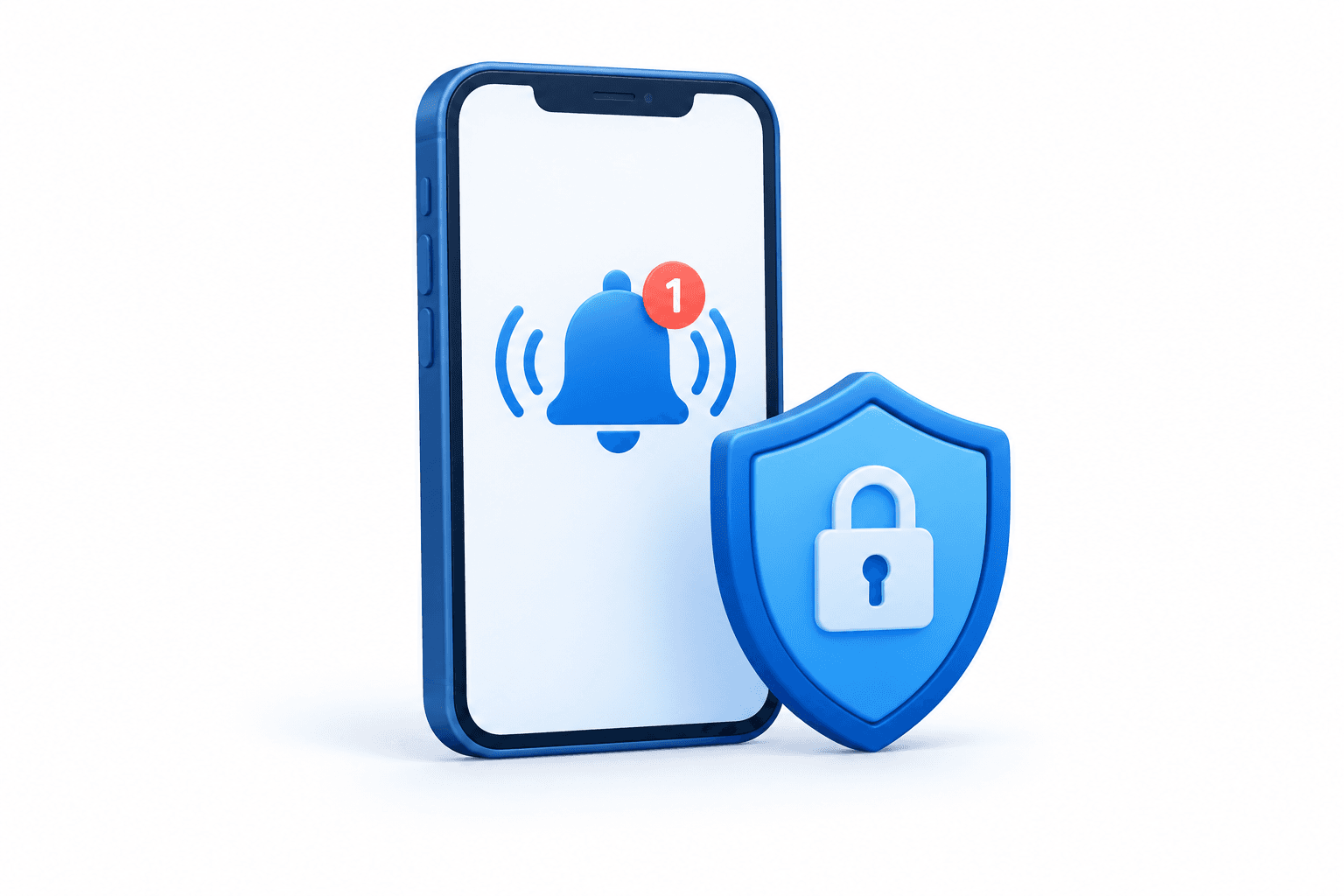
GCash is reminding users to switch to GCash in-app OTPs, which deliver verification requests to the registered app rather than by SMS. The digital finance provider says the feature is intended to help protect users from scams that exploit text-message codes.
How to receive GCash in-app OTPs
In its guidance published on October 27, 2026, GCash said users should enable push notifications on their phones. To do so, open the phone’s Settings app, select Notifications, find GCash and turn on “Allow Notifications.”
GCash says the in-app process removes the need to switch between apps, type a code or wait for an SMS. Its guidance does not describe a separate in-app setting for switching verification methods.
How the security feature fits into account protection
GCash describes in-app OTPs as part of its multi-factor authentication approach, which adds layers of protection when accessing an account. The company says this can reduce the risk of account takeover even if a password or mobile PIN is compromised.
The feature adds to existing safeguards including know-your-customer verification and Double Safe facial recognition, GCash said.
Read More News
Disclaimer
This FinanceVelix article provides general information, not personalized financial, investment, legal, or tax advice. Market prices, interest rates and economic conditions can change; investments carry a risk of loss. Facts reflect the material available when published and may change. Check important information independently and consult a qualified professional when needed. Mentioning an asset, company, or service is not an endorsement.


Comments
Be respectful. No spam, impersonation or private credentials. Ordinary posts and comments appear immediately; suspicious links are held for review.
Please wait…