To delete your Binance account, open the app and follow Account Center → profile section → Security → Manage Account → Close Account. Choose a reason, read the conditions and complete the required checks and security verification. Closure is irreversible: export your records and move your assets before confirming.
Uninstalling the app only removes it from your device; it does not close your account. Binance also supports website closure, but the official documentation details the app route. Instructions below follow its official closure guide, checked October 23, 2026.
Research basis: official public documentation, with explicitly labeled mathematical examples—not personal account testing. Affiliate disclosure: FinanceVelix may earn commissions through referral links elsewhere on this site. No referral signup is needed for closure.
Before closing: export, inventory and settle
Download your transaction history while you can still sign in. Binance links its download tool from the closure guide and says account access ends after closure. Open the export to check that it is readable and covers the dates and products you need.
Keep relevant trade, deposit, withdrawal, fee, borrowing and repayment records, plus unresolved dispute references. Store exports securely: they can contain sensitive financial information. Account closure does not remove your own recordkeeping needs.
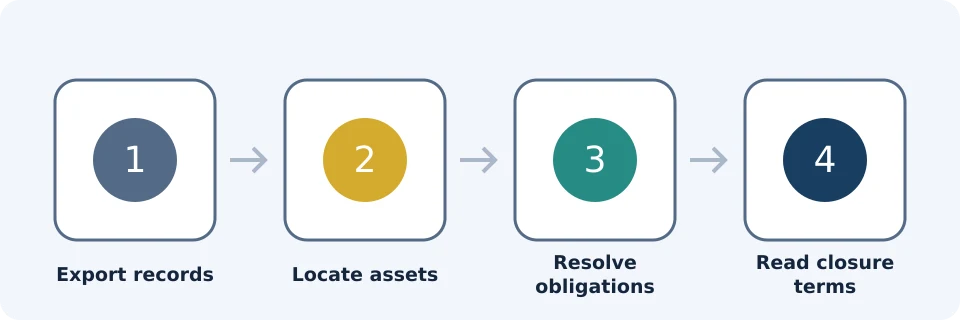
Use this inventory even if your main balance appears empty. The stop conditions combine documented Binance blockers with conservative preparation checks; they are not claims that every product is available to every account.
| Area | Inspect or resolve | Stop condition |
|---|---|---|
| Spot | Check assets and open trading orders; reconcile fills before transferring. | Assets remain or an order's outcome is unclear. |
| Funding or a successor account shown in your account | Check each remaining balance and its supported transfer route. | Any balance remains unaccounted for. |
| Futures | Resolve positions and orders; Binance requires moving all Futures funds to Spot or Funding. | Exposure remains or funds have not been moved onward. |
| Earn | Cancel subscriptions and withdraw funds as required. | A subscription or redemption remains unresolved. |
| Margin | Clear liabilities and check remaining assets. | Any liability remains. |
| Loans | Close existing open loan orders. | An open loan order remains. |
| P2P | Check recent orders, payment status and disputes. | An order is unresolved or the recent-order restriction applies. |
| Subaccounts | Reconcile assets and records, then close active subaccounts. | An active subaccount remains. |
| Binance Web3 Wallet | Follow Binance's documented private-key conversion requirement. | Conversion or safe independent wallet access is unresolved. |
For the wallet requirement, use the instructions linked in Binance's closure guide. Never share private keys with support or paste them into an unsolicited website. Do not proceed merely because you can see a wallet balance.
Worked example: a small visible balance is not the whole inventory
Account labels can differ during the Funding-to-Spot migration. Check current account sections and preserved transaction history. Do not count the same migrated holding in both its old and new locations.
Assume illustrative balances of $3.20 in Spot, $1.40 in Funding and $0.90 in Earn. Their combined value is $3.20 + $1.40 + $0.90 = $5.50, before price changes or transfer costs. Checking only Spot misses $2.30 and an Earn subscription.
This is inventory arithmetic, not Binance's threshold calculation or a live valuation. Identify a supported recovery route for every asset, checking minimums, fees, destination and network. See our withdrawal guide. If a small balance cannot be moved, stop and ask official support rather than forfeiting it.
Follow the documented app closure steps
- Log in to the Binance app. Open Account Center and tap the profile section at the top.
- Open Security, then scroll to Manage Account.
- Tap Close Account.
- Select your reason for closing.
- Read the terms and conditions, then tap Continue.
- If assets remain, tap Cancel and transfer them first. Binance warns that assets left behind will be lost and cannot be recovered. Do not acknowledge this warning as a shortcut around recovering funds.
- Only after resolving assets and blockers, complete the required acknowledgment, tap Close Account and finish security verification.
Confirm that the process reports successful closure. These labels come from the official instructions; your account's current prompts govern.
Why Binance may block closure
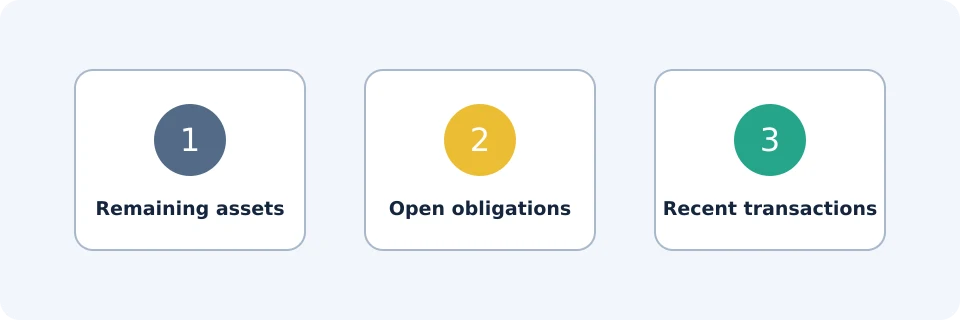
Binance documents the following blockers. Clearing one does not establish that every other requirement is satisfied.
| Blocker | Documented action |
|---|---|
| More than $5 in the account | Withdraw funds. This is not advice to abandon smaller balances. |
| Open Loan orders | Close existing open orders. |
| P2P order within 48 hours | Wait for completion and follow the restriction shown. |
| Earn subscriptions | Cancel subscriptions and withdraw funds. |
| Margin liability | Clear the liability. |
| Futures assets | Move all funds to Spot or Funding, then finish removing assets. |
| Active subaccounts | Close them. |
| Active Web3 wallet | Convert it to a private-key wallet using Binance's instructions. |
The closure guide does not fully explain the P2P 48-hour timing rule. Do not assume an unresolved order becomes closable simply because 48 hours pass.
Missing button or failed verification?
First check the documented app route rather than expecting identical website menus. If the option is absent, or the blocker message conflicts with your inventory, contact official support through Binance's app or website. Provide the exact error and relevant product area, but never passwords, verification codes or private keys.
If you cannot sign in, resolve access first; uninstalling the app is not a substitute. For suspected compromise, prioritize securing access and contacting support before irreversible closure. Our account-security guide covers general precautions.
What happens to data and future eligibility?
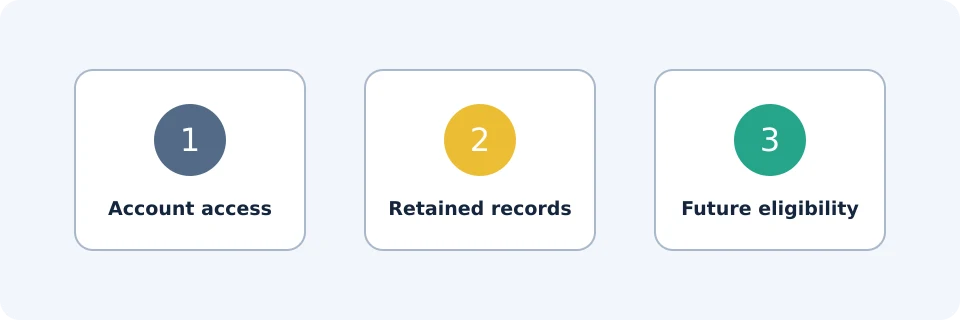
Access and data retention are separate. Closure ends account access, but Binance says it must retain certain personal data for applicable legal requirements or disputes and claims. It says data will be removed when mandatory retention periods expire; the guide gives no universal duration.
Binance also warns that identity verification for another account may be blocked for 30 days or longer. Closing and reopening with a different referral relationship causes loss of referral-rebate eligibility; the guide additionally warns of lost activity and reward eligibility. Do not close an account to pursue a new signup bonus. See the official consequences and retention notice.
Frequently asked questions
Can I retrieve transaction history after closure?
Do not rely on it. Binance says you cannot access the closed account. Download and verify your records beforehand.
Can I close with less than $5 remaining?
The guide lists balances above $5 as a blocker, not smaller balances as safe to discard. Its asset-loss warning still matters.
Can I reopen the same account?
Binance describes closure as irreversible. A possible future registration is not restoration of the old account.
Does closure immediately erase my identity documents?
No. The retention notice covers certain personal data without promising immediate deletion of identity documents or a fixed erasure date.
Official educational references
- How to Close My Binance Account? | How to delete Binance account,How to delete my account,Binance account settings ↗Source accessed: 2026-10-23
- Funding Account to Spot Account migration FAQ ↗Source accessed: 2026-10-23