To sign up for Binance, open the official website or app, choose an available registration method, verify your contact details and complete the account setup. Then finish identity verification and confirm that the service you want is available to your account before sending money. Creating a login is not the same as receiving permission to deposit or trade.
This FinanceVelix guide uses official public documentation and public-page checks dated 23 October 2026. Calculations below are explicitly hypothetical, not live fees or earned rewards. Requirements and offers can change; your account’s current instructions govern.
Understand the three checkpoints
A Binance account is a login for accessing the platform’s available cryptocurrency services. It does not automatically unlock every product. For background, see what Binance is and how it works.
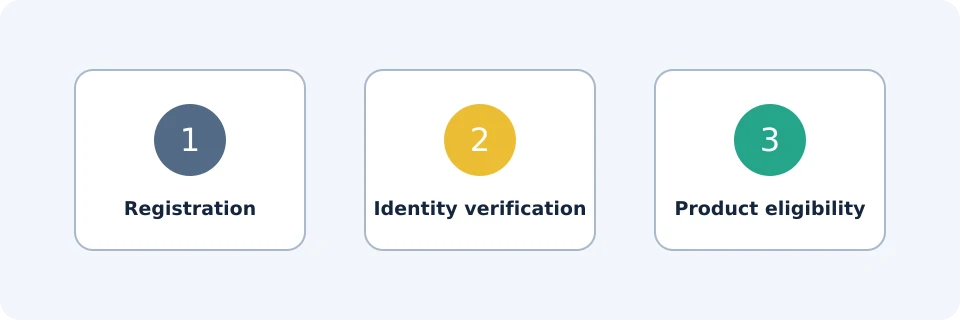
| Checkpoint | What it establishes | What it does not establish |
|---|---|---|
| Registration | You have created account access. | Your identity is approved. |
| Identity verification | Binance has accepted the required identity checks. | Every product is available to you. |
| Product eligibility | The intended service is available under your account’s applicable conditions. | Using it is suitable or risk-free. |
Check eligibility and prepare your details
Check Binance’s current availability and terms for your actual place of residence before registering. A translated webpage, accessible app or referral invitation does not establish eligibility. Do not use false residence details or attempt to bypass restrictions.
- Use an email address or phone number you control and can keep secure.
- Prepare an accepted, valid identity document and a device capable of completing the requested camera checks.
- Use your own accurate personal information; do not buy or borrow a verified account.
- Choose personal or entity registration carefully. Binance’s registration guide says the account type cannot be changed after registration.
For browser registration, inspect the address before entering information. The hostname must be exactly binance.com or end with .binance.com, including the dot, as accounts.binance.com does. Neither binance.com.example.org nor a lookalike such as fakebinance.com meets that check. A padlock alone does not prove that a website belongs to Binance. For mobile access, follow the official-app download checks rather than an unsolicited download link.
Create the account and check the referral
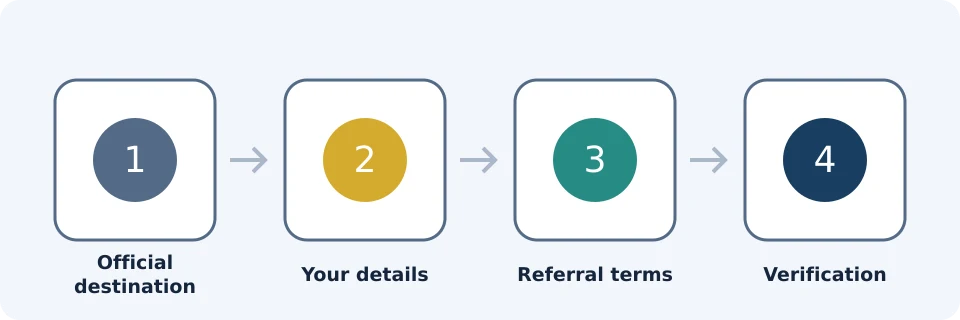
- Open the official registration route. Choose the account type appropriate to you.
- Select an available sign-up method. Binance documents email, phone, Apple, Google and Telegram registration; the options presented may depend on your route and location.
- Complete the required confirmation. For email or phone registration, enter the code sent to that contact method. The documented website flow uses a six-digit code valid for 30 minutes.
- Set secure credentials where requested. The documented password minimum is eight characters with an uppercase letter and a number. Prefer a longer, unique password stored securely.
- Inspect the referral details before finishing. Confirm the intended referral is linked and read the terms, rather than assuming that opening a link applied an offer.
These steps follow Binance’s official registration instructions. For the registration flow it describes, that guide says a linked referral code cannot subsequently be modified; it does not establish every existing-account referral policy. If the displayed referral is wrong, resolve it before completing registration.
Separate referral benefits from reward tasks
Affiliate disclosure: FinanceVelix may receive a commission if you register through its Binance referral link. Benefits depend on your location, account and applicable terms.
The VELIX registration link leads to the offer. The public VELIX offer page, checked on 23 October 2026, advertised up to 20% trade rebates and up to $19,800 in new-user rewards. Neither is an unconditional payment.
| Benefit | What to verify |
|---|---|
| Up to 20% referral rebate | Eligible trading fees, applicable percentage and account conditions. |
| BNB fee deduction | A separate fee-payment discount mechanism, subject to applicable settings, balance and product conditions. |
| Up to $19,800 rewards | Account-specific tasks, verification, net deposits, trading volume, deadlines and reward form; rewards may be vouchers. |
The inspected welcome-offer terms also described 1,000 rewards per cycle, resetting every 30 days. Do not add task tiers together or assume availability. Save the applicable terms before committing funds.
Hypothetical calculation: if an eligible fee were $10 and a 20% rebate applied to that entire fee, the rebate would be $10 × 0.20 = $2, leaving an effective $8 cost after receipt. This assumes eligibility and payment; it does not model timing or confirm stacking with BNB deductions. Do not trade merely to chase a reward: costs and losses can exceed it.
Complete identity verification accurately
The personal verification guide, updated 5 June 2026, describes the website route as Account → Identification. In the app, look for Verify Now or Account Center → Unverified. Labels can change.
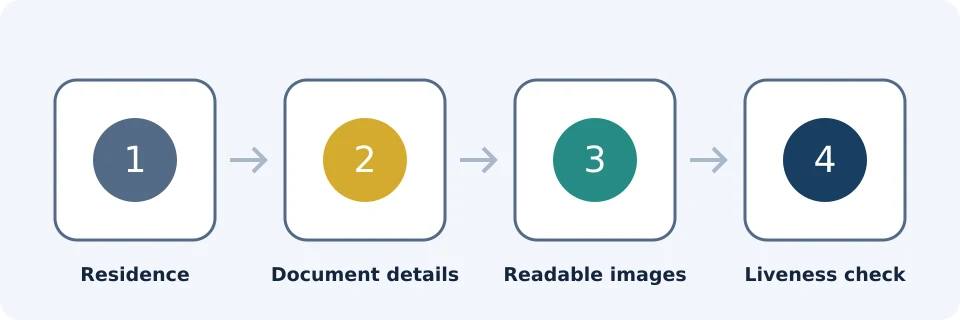
- Select your actual residence and the country that issued your document.
- Choose a document accepted by the flow shown to you.
- Submit the requested sides or images with all required information readable.
- Complete the requested liveness check yourself.
- Check personal information against the document, submit and monitor the in-account result.
Keep residence and document-issuing country distinct: they need not be identical, but both must be accurate. Check name order, spelling, birth date and document expiry before submitting. Where transliteration or name formatting causes a mismatch, follow the official instructions instead of inventing a different identity.
Verification requirements and available services vary. New users need verification for products including deposits and trading. Do not fund the account assuming approval will be immediate; an accepted submission is not necessarily an approved result.
Secure access before funding
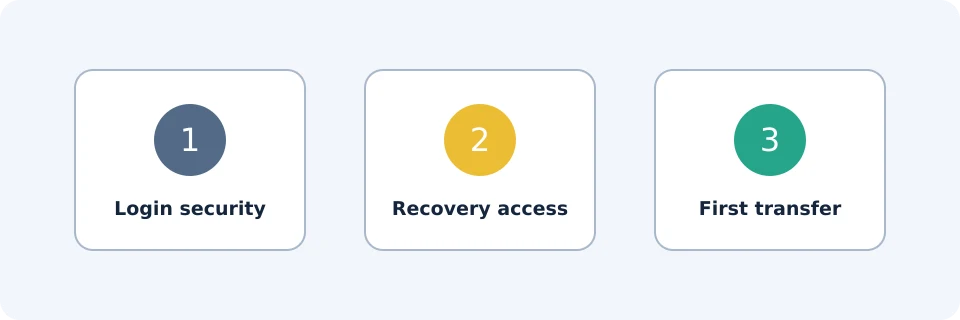
Binance’s beginner’s guide documents authenticator apps, SMS authentication, passkeys and an anti-phishing code. Configure the appropriate available protections before depositing, and secure the email or third-party account used to sign in.
- Use a unique password where applicable and enable an additional authentication method.
- Store recovery information privately, separately from your everyday device.
- Set an anti-phishing code, but do not treat its presence as proof that a link is safe.
- Never give anyone a password, authentication code, recovery secret or remote access to your device.
See the account-security checklist for recovery preparation. No security setting makes an account immune to fraud.
Check the first deposit separately
Confirm verification and the intended funding route are available before transferring. For a card purchase, Binance’s guide specifies a card registered in your own name. Review the final quote and fees rather than assuming registration makes funding free.
For crypto deposits, match the exact asset and network at both ends, copy the destination address carefully, and include a memo or tag when required. Check current minimums, fees and crediting conditions. A small test can reduce exposure, but it must satisfy the applicable minimums and may incur an additional sending fee. Never send the remainder until the test is credited and checked. Use the crypto-deposit checklist for transfer preparation.
Troubleshoot without exposing private information
| Problem | What to verify | Safe next step |
|---|---|---|
| Contact code missing | Address or number, spam folder, delivery delay and expiry. | Follow the official resend flow; never share the code. |
| Contact already registered | Whether you previously created an account. | Use official sign-in or recovery instead of creating duplicate accounts. |
| Referral missing or incorrect | Linked status and displayed offer. | Resolve before completion; the documented registration flow does not edit an already-linked code. |
| Document rejected | Accepted type, expiry, readable edges and matching details. | Follow the stated rejection reason; upload only through the official flow. |
| Liveness check fails | Camera permission, lighting and on-screen instructions. | Retry as instructed without filters or another person. |
| Verification pending | In-account status and requests for more information. | Follow official support guidance; nobody can guarantee expedited approval. |
| Product unavailable | Regional, account and product conditions. | Stop; do not disguise residence or assume KYC overrides restrictions. |
Frequently asked questions
Must I deposit to create an account?
Depositing is not a step in the documented registration flow. A separate reward offer may require funding or trading; that does not make it a registration requirement.
Can I register without creating a separate Binance password?
The official guide includes Apple and Google sign-up routes. Follow the security requirements shown for your chosen method and protect that linked account.
How long does identity verification take?
No universal completion time is established here. Follow the estimate and status in your account, and avoid scheduling an urgent payment around expected approval.
Should I send documents to someone offering registration help?
No. Upload identity material only through the official verification process. Navigate to support yourself rather than trusting an unsolicited private message.
Is a Binance account the same as a self-custody wallet?
No. An exchange account and a wallet you control through recovery keys have different access and custody arrangements. Read the Binance and Trust Wallet comparison before moving assets between them.
Official educational references
- How to Register on Binance – Create a Personal or Entity Account | Binance Signup,Binance Account Signup,How to register Binance ↗Source accessed: 2026-10-23
- Binance beginner guide ↗Source accessed: 2026-10-23
- Register on the Binance app ↗Source accessed: 2026-10-23
- Personal identity verification ↗Source accessed: 2026-10-23
- Binance VELIX referral offer and See How terms ↗Source accessed: 2026-10-23
- Binance VELIX registration offer ↗Source accessed: 2026-10-23