Binance Web3 Wallet is now called Binance Wallet. It provides access to on-chain assets and applications, but it is separate from the balance in your Binance exchange account. The first decision is which wallet you are using: a Binance Keyless Wallet or an imported seed-phrase or private-key wallet. That choice changes setup, backup and recovery.
This guide compares those routes and gives a practical way to check a backup before changing devices. It also separates receiving funds, connecting an application and authorizing transactions. Official documentation was checked on October 23, 2026; we have not performed a personal wallet recovery or transfer for this article.
Exchange account, keyless wallet or imported wallet?
The Binance Academy overview describes the renamed product and its mobile and web interfaces. A shared brand and app do not make every balance, security setting or recovery process interchangeable.
| What you have | What to identify | What not to assume |
|---|---|---|
| Exchange account | The account and relevant exchange wallet balance | It is already the balance at an on-chain wallet address |
| Binance Keyless Wallet | The selected wallet and its verified backup method | Keyless means no recovery preparation is needed |
| Imported wallet | The imported seed phrase or private key and selected account | A Binance login replaces its original recovery material |
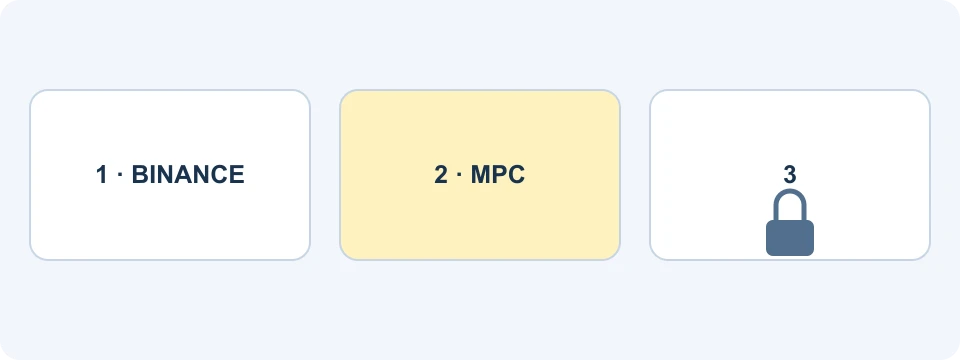
Our comparison treats these as different control paths. If you can see an exchange balance but cannot find it in the wallet, first establish whether any transfer happened. Reinstalling an extension or importing another account does not explain where the original balance is held.
The keyless-wallet explanation describes MPC: the system divides key material into three shares and requires at least two to sign. This avoids the ordinary seed-phrase setup for that wallet type. It does not eliminate dependency on the device, backup and verification process, or protect against every transaction you might authorize.
How to start with the right wallet route
Use the official wallet-creation guide from the Binance app. The documented flow offers creation of a keyless wallet and a separate import route for an existing wallet. New keyless wallets are created in the app; the extension can subsequently access them.
- Open the wallet area through the official app and identify whether you intend to create or import.
- Read the selected route before proceeding. Creating another wallet is different from restoring an existing one.
- Give the wallet a recognizable name and record which account it represents.
- Complete the applicable backup process and verify its status before relying on the wallet for assets.
For the browser route, follow the store link in the official extension guide. It supports accessing a backed-up keyless wallet or importing an existing seed-phrase or private-key wallet. An imported wallet does not require a Binance exchange account in the same way as creating a keyless wallet. Regional availability can differ.
When pairing a keyless wallet, compare the pairing information on both devices and select the intended wallet. If no pairing code appears, investigate whether that wallet is backed up, created or restored first. Repeatedly creating fresh wallets can make the account list harder to understand.
Only enter secret recovery material inside the verified wallet's intended import flow. Never send it to support, paste it into a search-result form or provide it to FinanceVelix. A page explaining how a wallet works has no reason to collect your secrets.
Backup methods have different requirements
The current backup guide distinguishes Quick Backup, cloud backup and QR backup. Complete the offered verification and check for the backed-up status in Wallet Management.
| Method | Dependency to preserve | Recovery password? |
|---|---|---|
| Quick Backup | The required Binance verification path | No separate recovery password for this method |
| Cloud backup | Access to the relevant cloud backup | Yes |
| QR backup | The saved backup QR material | Yes |
For cloud and QR methods, Binance states it cannot restore a forgotten recovery password. Keep that password protected and distinguish it from an exchange login or extension-unlock password. The presence of a saved file alone does not establish that you can complete recovery.
A device-change inventory that avoids destructive testing
Before replacing a phone, make a private inventory of the wallet names, wallet types, backup methods and where the relevant materials are stored. Record the location and method, not the secret itself, in any ordinary checklist. Keep recovery secrets out of shared notes, screenshots and support attachments.
For each wallet, answer three separate questions: is a backup reported as complete, can you reach the account or storage it depends on, and do you understand the recovery route? These questions identify different failure points. A green backup status does not tell you whether you remember a separate password.
The official restore guide tells users to choose the method originally used. Cloud and QR restoration require the recovery password. Quick Backup restoration instead uses multifactor authentication and a liveness check matching the account's identity information.
Do not delete the app or erase a working device simply to test a tutorial. Keep working access available while resolving missing backup information through the current official process. A successful login to the exchange is useful evidence about that login; it is not, by itself, proof that every wallet can be recovered.
Three QR codes that must not be confused
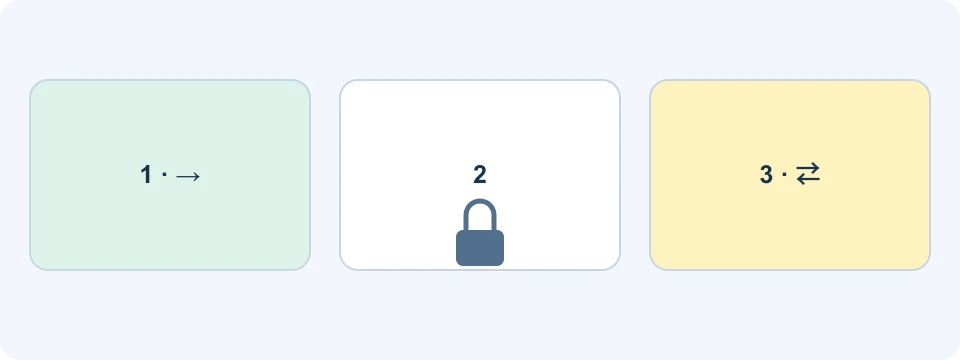
A QR code is a container for information, not a guarantee about what the information does. In this guide's classification, a receive code supplies destination information; a backup code belongs to recovery; a pairing code connects a device or session. The screen's purpose matters more than the square pattern.
Before scanning, read the action on both screens. “Receive” should not silently become “restore,” “import,” or an unexpected authorization. Do not share a backup image merely because someone asked for your wallet address. Conversely, saving a receive code is not a substitute for the wallet's backup procedure.
For an address needed to receive an exchange deposit, use the exchange's own deposit instructions. The wallet application's receiving account is a separate destination. The exchange and custody guide explains the broader distinction between account balances and on-chain wallets.
Receiving assets and using an app are separate events
The send-and-receive guide describes selecting an asset and network, viewing receiving details and transferring through supported routes. Check the receiving network against the sending service and inspect the fee requirements before confirming anything.
Use this reconciliation sequence when the screen is unclear: locate the sending record, find the transaction on the intended network, verify the receiving account, then inspect the wallet display. Each answers a different question. A completed exchange withdrawal does not prove that an unrelated application has permission to spend the received asset.
Consider a hypothetical user who receives a token but cannot perform a later action. The token may be present while the selected transaction lacks a supported fee-payment route, uses another account or requires a separate approval. Read the actual preview rather than sending the same deposit again. The BSC guide gives a more detailed network-versus-display example.
What Secure Auto Sign changes
The Secure Auto Sign documentation describes SAS as automatic signing for supported operations using a Trusted Execution Environment. Enabling it changes how eligible transactions are authorized; it is not merely a way to display a balance.
Check the particular wallet, permission scope and current controls before enabling the feature. Initial setup and later management may use different surfaces. Documentation and interfaces change, so this guide does not prescribe an old session duration or assume that every network and operation is covered.
Our practical distinction is between reducing repeated prompts and deciding whether an action is appropriate. Automatic signing does not validate a token's value or an application's business model. Treat the initial authorization as a decision about future supported actions, not as a harmless login shortcut.
Private-key conversion is not routine backup
The dedicated conversion FAQ says converting a keyless wallet to private-key wallets cannot be reversed back to keyless. The resulting wallets lose the keyless recovery features and eligibility for certain exclusive campaigns. They remain listed in Wallet Management.
This is a change of security model with new responsibility for private keys. Do not select it merely because an older tutorial presents it as another backup button. Read the current consequences and use the ordinary backup instructions when your goal is preserving the existing keyless setup.
Frequently asked questions
Does every Binance Wallet have no seed phrase?
No. Keyless and imported wallets follow different models. Identify your wallet type before applying a recovery instruction.
Does an empty wallet mean my exchange funds disappeared?
Not by itself. Establish which balance you are viewing and whether a transfer to that wallet ever occurred. Compare records before taking another action.
Does an exchange referral benefit cover wallet gas?
Do not assume so. The VELIX offer guide describes conditional exchange benefits. Wallet services, network fees and campaign eligibility have their own terms.
Affiliate disclosure: FinanceVelix may earn a commission through its Binance referral link. Account, product and regional conditions apply. Wallet setup does not guarantee access to every product, recovery outcome or investment return.
Official educational references
- Binance Academy overview ↗Source accessed: 2026-10-23
- keyless-wallet explanation ↗Source accessed: 2026-10-23
- official wallet-creation guide ↗Source accessed: 2026-10-23
- official extension guide ↗Source accessed: 2026-10-23
- current backup guide ↗Source accessed: 2026-10-23
- official restore guide ↗Source accessed: 2026-10-23
- send-and-receive guide ↗Source accessed: 2026-10-23
- Secure Auto Sign documentation ↗Source accessed: 2026-10-23
- dedicated conversion FAQ ↗Source accessed: 2026-10-23