Binance account recovery depends on what you have lost: the login email or phone number, your password, access to a verification method, or access to a disabled account. Identify that problem before starting a reset. Each route asks for different evidence and can have different restrictions after access returns.
This guide compares Binance's current recovery instructions and explains how to prepare a useful support request. It concerns the exchange account. Recovering a self-custody wallet is a separate process covered in our Binance Wallet guide.
Choose the recovery route that matches the problem
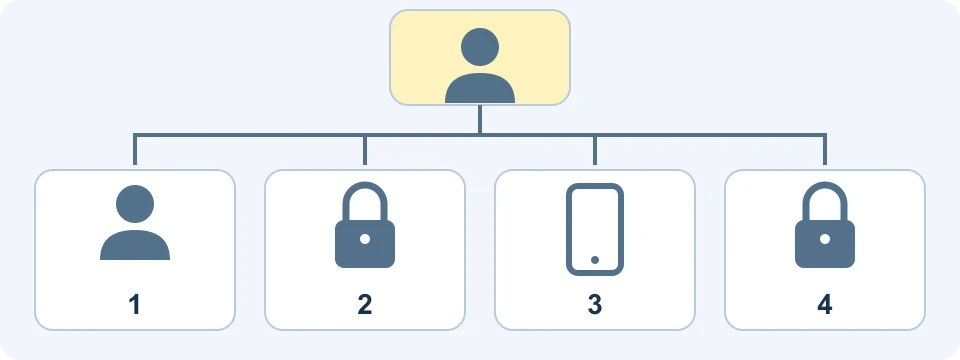
| What you can identify | What prevents access | Starting route |
|---|---|---|
| You cannot remember the registered email or phone | The account identifier is unknown | Forgot Account appeal |
| You know the registered identifier | You forgot the password | Forgot password from the login flow |
| You know the login details | A required email, phone, authenticator or passkey is unavailable | The unavailable-verification or passkey fallback shown during login |
| You reach an account-disabled message | The account needs unlocking | Unlock prompt and its required verification |
A known email address that you can no longer open is different from an email address you cannot remember. In the first case, the identifier may still work, but email verification is unavailable. In the second, repeatedly resetting passwords for guessed addresses does not establish which account belongs to you.
As a practical preparation step, write down which factors you still control. For example: the registered phone number is known, the password is known, the old phone is gone, and email remains accessible. That description is more useful than saying only that the account is lost. Never include passwords or one-time codes in this note.
Forgot the account email or phone number
Binance's Forgot Account instructions provide separate appeal links for accounts that have completed identity verification and those that have not. Start from that official page and select the applicable route. A verified account means an account that completed KYC, not simply one whose email was confirmed.
The documented process asks for identity evidence and a statement video. Prepare a clear, complete image of the requested identity document and follow the current on-screen statement and recording requirements. The document and personal details must be consistent. The instructions explain how to provide the statement when you do not speak English.
A related deposit-record video is described as optional but recommended in that FAQ. Do not treat it as mandatory for every applicant. If you submit it, follow the separate recording instructions linked from the appeal page, including their requirements for the transaction shown and the recording method.
The FAQ estimates review within 1 working day after the steps are completed, excluding weekends. This is an estimate, not a guaranteed restoration time. Keep the submission reference and check the result through the official flow.
Forgot the password but know the account
The official password-reset guide starts with the registered email or phone number. Use the login screen's password-recovery option and complete the requested verification. If a passkey prompt appears and that passkey is unavailable, use the fallback offered in the interface.
A password reset still requires verification. If the obstacle is a lost verification method, move to the appropriate security-reset instructions. When both the password and all verification methods are unavailable, Binance directs users to customer support.
After a password reset, the published instructions specify a 24-hour restriction on withdrawals, P2P selling, payment services and internal transfers. Successful login during that period does not mean those functions are available. Read the account's restriction notice before planning a transaction.
Lost a phone, authenticator or other verification method
Binance's inaccessible-2FA guide describes choosing an unavailable method on the verification screen, then using the security-verification recovery link. Select all methods you have actually lost access to. A passkey fallback may allow another available verification method without requiring every factor to be reset.
Follow the requested checks using the factors you still control. Depending on the flow, Binance may ask you to verify a replacement email address or phone number. Enter those details only in the official interface, and make sure you can keep access to the replacement.
Submission is followed by a result such as approval, review or denial. The FAQ says a request under review may take up to 24 hours to process. It separately describes restrictions for up to 48 hours after a security reset. Those are different stages, so do not assume that a review estimate is also the withdrawal-unlock deadline.
If denied, read the result and reassess the available verification methods before trying again. If under review, use the existing status route and notification channel. Repeating the same request without addressing its stated problem does not supply better evidence.
Recover access to a disabled account
The account-unlock instructions describe logging in, selecting Unlock when prompted, and completing verification. Required checks vary with account status. An unsuccessful request may require another attempt or support assistance; a request under review requires waiting for the result.
After a successful unlock, Binance says withdrawals and P2P transactions can remain restricted for up to 48 hours. Do not assume that this procedure reverses account deletion, clears every compliance restriction, or restores a self-custody wallet. Read the exact account message first.
If you suspect unauthorized activity, prioritize securing access. Binance provides an account-disable procedure in its security settings. Read its effects before using it. Disabling for protection, requesting an unlock and deleting an account are different actions.
Review time and security holds are separate
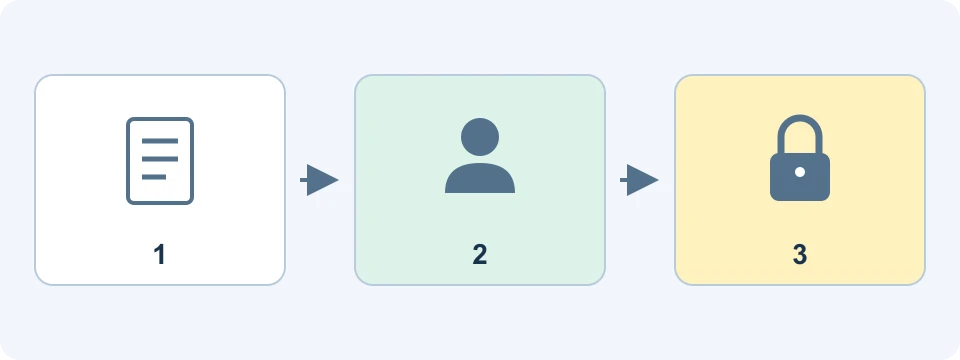
| Route | Published timing | Meaning |
|---|---|---|
| Forgot Account appeal | Typically 1 working day, weekends excluded | Estimated review after completing the requirements |
| 2FA request under review | May take up to 24 hours | Processing the request |
| Password reset | 24 hours afterward | Withdrawal, P2P selling, payment and internal-transfer restrictions |
| 2FA reset | Up to 48 hours afterward | Withdrawal, P2P selling, payment and internal-transfer restrictions |
| Account unlock | Up to 48 hours afterward | Withdrawal and P2P restrictions |
Keep these timings tied to the relevant event. A Friday appeal submission, a completed password reset and a completed security reset are not interchangeable starting points. Do not add the durations together to manufacture a guaranteed completion time. Your account's current status and any further requests determine the next step.
How to contact Binance support about recovery
Open the official Support Center or the app's support entry. The support guide explains how the assistant routes questions to FAQs, self-service tools and customer service. Select the relevant account-access issue. If the suggested answer does not resolve it, use the unresolved or customer-service options shown.
The ordinary support instructions begin with a signed-in account. If you are locked out, start with the login page's help and recovery routes rather than assuming you can complete a signed-in-only step. The Forgot Account page links to its dedicated appeal flow. If both the password and verification access are lost, follow the support direction in the 2FA guide.
- Describe the screen or error and when it appeared, including your time zone.
- State which login and verification factors remain accessible, without revealing their secrets.
- List the recovery route already attempted and any case or submission reference.
- Attach a relevant screenshot when requested, keeping unrelated personal data out of it.
For example, a useful description is: the password works, the old authenticator is unavailable, email is accessible, and the security-reset request is under review. This lets support distinguish an existing application from a new password problem. It is an illustrative description, not a claim that we recovered an account.
The support FAQ asks users to reply within 24 hours to keep the conversation open and maintain their queue position. That is a response instruction for the user, not a promise that every case will be resolved within a day. Select your preferred language before connecting to an agent; availability can vary.
Protect recovery documents and avoid impersonators
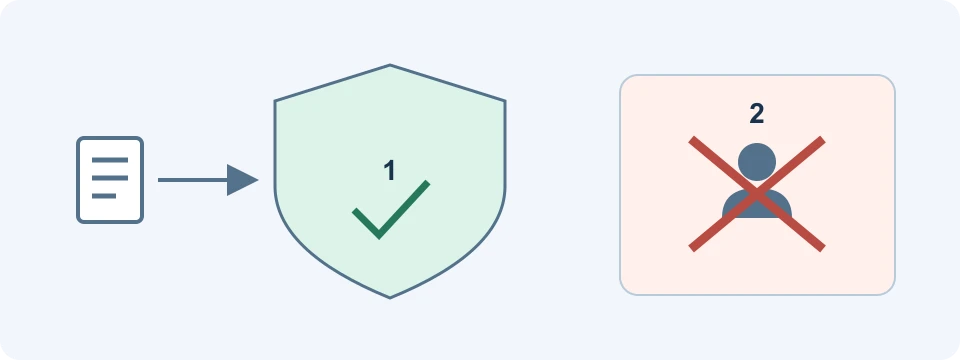
Do not send identity documents to FinanceVelix, community commenters or someone offering recovery through a private message. Submit the required material through Binance's official recovery process. A search result hosted on a community platform can contain user-generated content; its wording is not automatically an official support policy.
Binance Verify can check whether a website or contact identity is officially associated with Binance. The page makes clear that identity verification does not authorize an action. It also states that Binance does not request funds or tokens through private communications. A demand for a recovery deposit deserves immediate scrutiny.
Never give another person your password, one-time verification codes, private keys or wallet recovery secrets. Enter necessary verification only in the official flow you initiated. Once access is restored, review the account security settings, replace inaccessible factors through the proper process, and investigate unfamiliar activity before returning to normal use.
Frequently asked questions
Can I recover an old account without remembering its email?
The Forgot Account appeal is the documented starting point. Choose the verified or unverified route based on that account's history and provide the requested evidence. Having an old transaction record alone does not guarantee approval.
Where can I find a recovery phone number?
Use the official Support Center and the contact-verification tool. Do not call a number merely because it appears in a search snippet, advertisement or community post. The sources reviewed for this guide direct users through online support and self-service recovery.
Should I register again to recover the old balance?
A new registration does not establish ownership of an existing account or transfer its assets. Continue the applicable recovery process and ask official support about your existing case. A referral link cannot speed up review or remove a security hold.
Affiliate disclosure
FinanceVelix may receive a commission from registrations through its Binance referral link. No registration through our link is needed for account recovery. FinanceVelix cannot unlock accounts or accept recovery documents on Binance's behalf.
Official educational references
- Forgot Account appeal ↗Source accessed: 2026-10-24
- Password reset ↗Source accessed: 2026-10-24
- Unavailable verification reset ↗Source accessed: 2026-10-24
- Account unlock ↗Source accessed: 2026-10-24
- Account disable ↗Source accessed: 2026-10-24
- Contacting support ↗Source accessed: 2026-10-24
- Binance Verify ↗Source accessed: 2026-10-24